Your home screen, squared away.
sqTile is a local-first Android launcher built around square tiles. Your calendar, reminders, habits and unread badges live on one calm grid — and none of it goes to a server of mine.
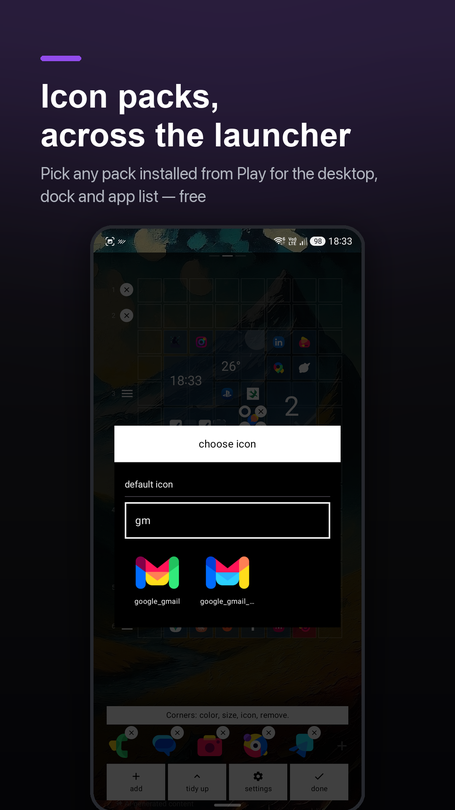
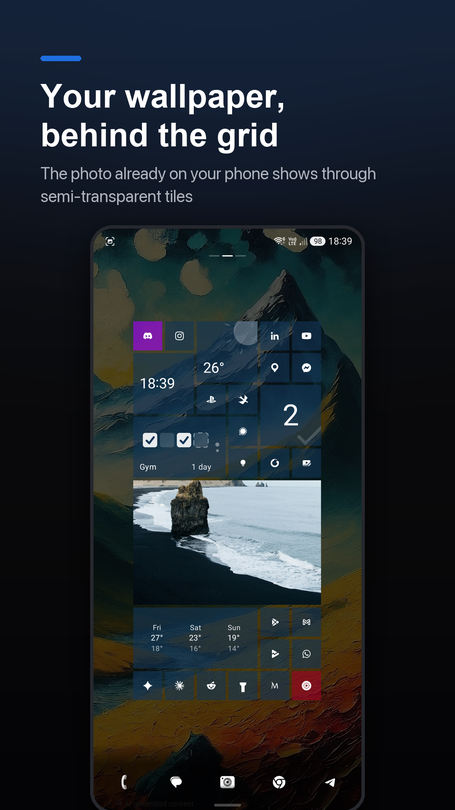
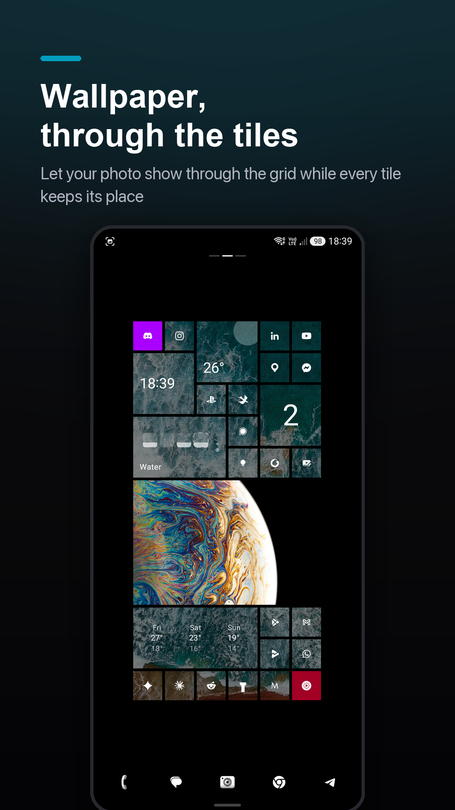
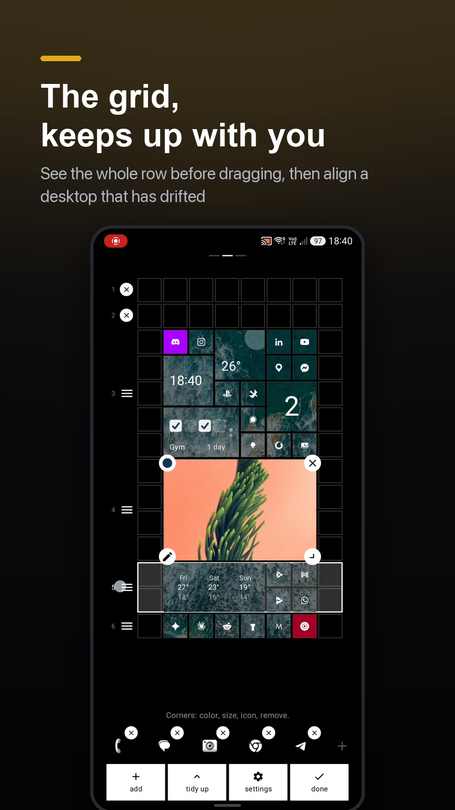
A launcher that does the small things properly.
Most launchers are either a wall of icons or a subscription with a dashboard. sqTile sits in between: a tidy grid that actually tells you something, and nothing that phones home.
Square tiles, real information
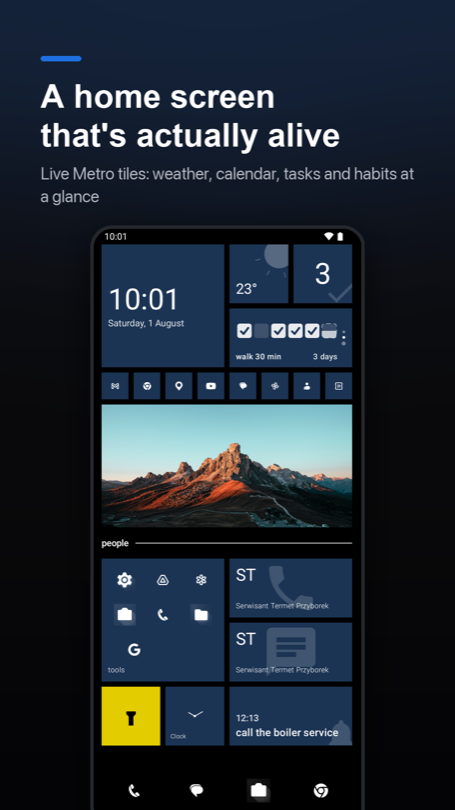
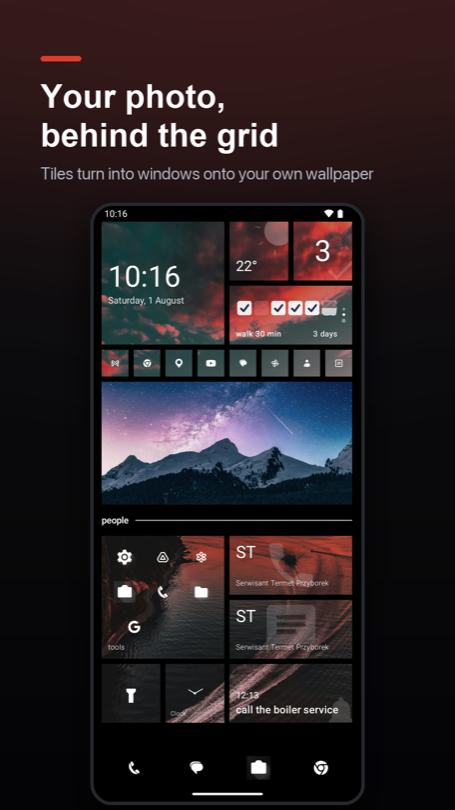
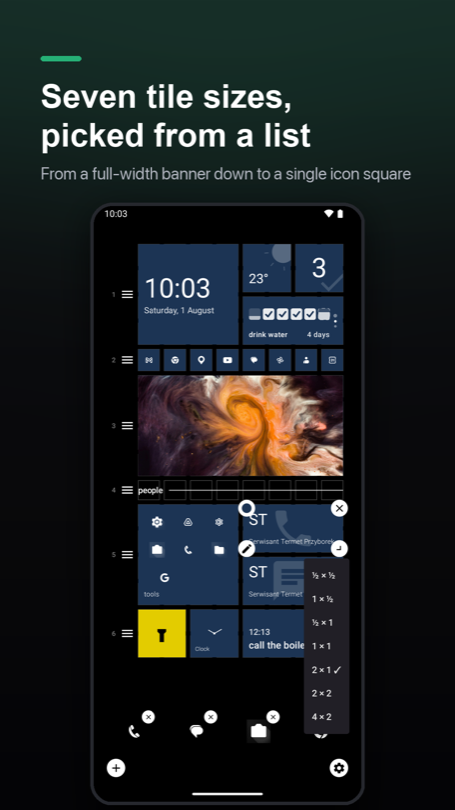
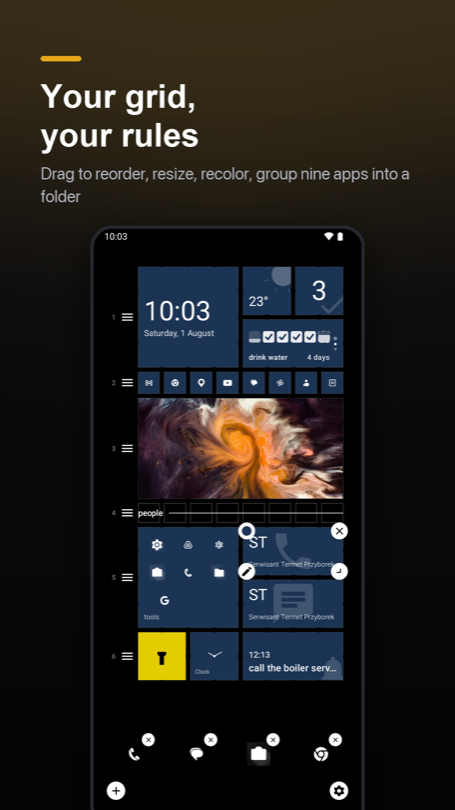
Seven tile sizes, from a single icon square to a full-width banner, each one recolourable. Apps, folders, contacts, weather, your next event, a habit streak — laid out on one predictable grid.
Badges that come from your notifications
Grant notification access and tiles show unread counts. Notification content is read for the badge and never stored or transmitted.
To-dos, reminders and habits built in
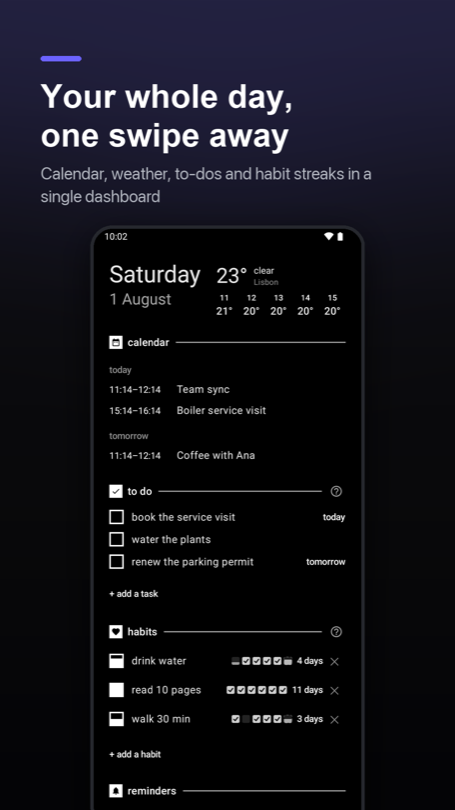
Capture something from the home screen and it schedules an on-device reminder. No second app, no sync service, no sign-up.
Local-first by architecture
There is no server of mine to send your data to. Layout, tasks and settings live in the app's private storage; back them up to a file you control.
Every dependency has to earn its place
Libraries get picked for what they cost in download size and RAM, not for convenience. A launcher runs all day — it has no business being the heaviest thing on your phone.
Measured, not guessed
Any release that touches the startup path gets benchmarked on a real phone before it ships. If a number moves the wrong way, the next thing I work on is finding what slowed it down — not the next feature.
Built for people who want their phone to be quiet.
sqTile is not trying to be every launcher for everyone. It's aimed at a specific kind of user — and everything on the backlog is judged against that.
The intentional phone user
Wants a home screen that shows what matters today, not 40 icons and a news feed.
The privacy-minded
Reads permission lists. Prefers on-device processing and no account over convenience.
Tinkerers & customisers
Enjoys arranging a grid until it's exactly right, and wants export/import to keep it.
Light task-manager users
Needs to-dos, reminders and habits close at hand — without adopting a whole system.
What's new, and what's next.
One line, newest first. Solid markers are out on the production channel; hollow ones are not written yet, and the dashed line is the honest bit — plans move. Each release is written up in full in the changelog. Keep the app updated, or subscribe and I'll tell you when the rest lands.
1.4.9
Read the post →- "Add to Home screen" reaches the desktop. A page you pin from the browser turns into a tile, and a web app you install puts itself there instead of vanishing.
- Settings became five pages you swipe between. No more opening one group to close another when you want to compare two settings.
- Long-press stopped nudging tiles. Holding a tile now opens edit mode with that tile selected, rather than picking it up as the desktop scales under your finger.
- A background colour of your own, beside black, white and your wallpaper — and switching away and back keeps it.
1.4.8
Read the post →- A whole month on the calendar tile. A second face with a dot under every day that has something on it, and a tap that opens the calendar on that day. Wide tiles put today's agenda beside it.
- Music without opening the player. Album art, title, artist, skip and pause on a tile — whichever app the sound is coming from.
- A new 3×3 size. Two large squares at the ends of a row with a small tile between them.
- Pick which calendars feed the tile, so one noisy work calendar stops putting a dot under every day of the month.
1.4.7
Read the post →- A crash that closed the launcher on its own. Nothing to tap, nothing to avoid — it fired when an app was installed, updated or archived. Two days after 1.4.6, and nothing else in the release.
1.4.6
Read the post →- Tiles that move when a notification lands. A sweep of light, a drop, or a flip that turns the tile over to show how many are waiting — and an off switch. A preview in settings plays the one you picked.
- An icon for any tile, from any pack you own, instead of only the pack selected globally. Icons also stopped costing about 3.9 MB each.
- Choose which sections your dashboard shows. Calendar, tasks, habits and reminders each get a switch.
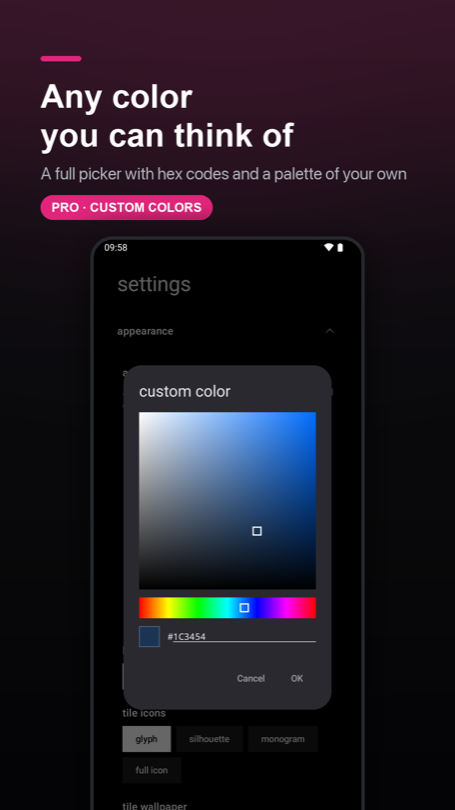
- Tile colours can be see-through, with the plate's own transparency separate from its colour.
1.4.5
Read the post →- Clocks that read the way your phone does. Every hour on the grid — clock, calendar, reminders, dashboard — follows the phone's own 12/24-hour switch, and two chips in settings override it when you disagree.
Everything before that — back to the first day on the production channel — is in the changelog.
In development
- Widgets on the dashboard. Room for the Android widgets you can't replace with a tile — without letting them loose on the grid. Being built and tested now, and it is the kind of thing that has to be right rather than early.
Up next
- More languages. English, Polish, German, Italian and Ukrainian today, with the next few being translated now.
- A full weather screen. Tapping the weather tile should open a proper forecast, not send you to the dashboard.
Exploring
- Apps behind a PIN. Picked apps asking for a PIN before they open — weighed against what a launcher can honestly promise, since it isn't the only door in.